
Publish with a connected WordPress site
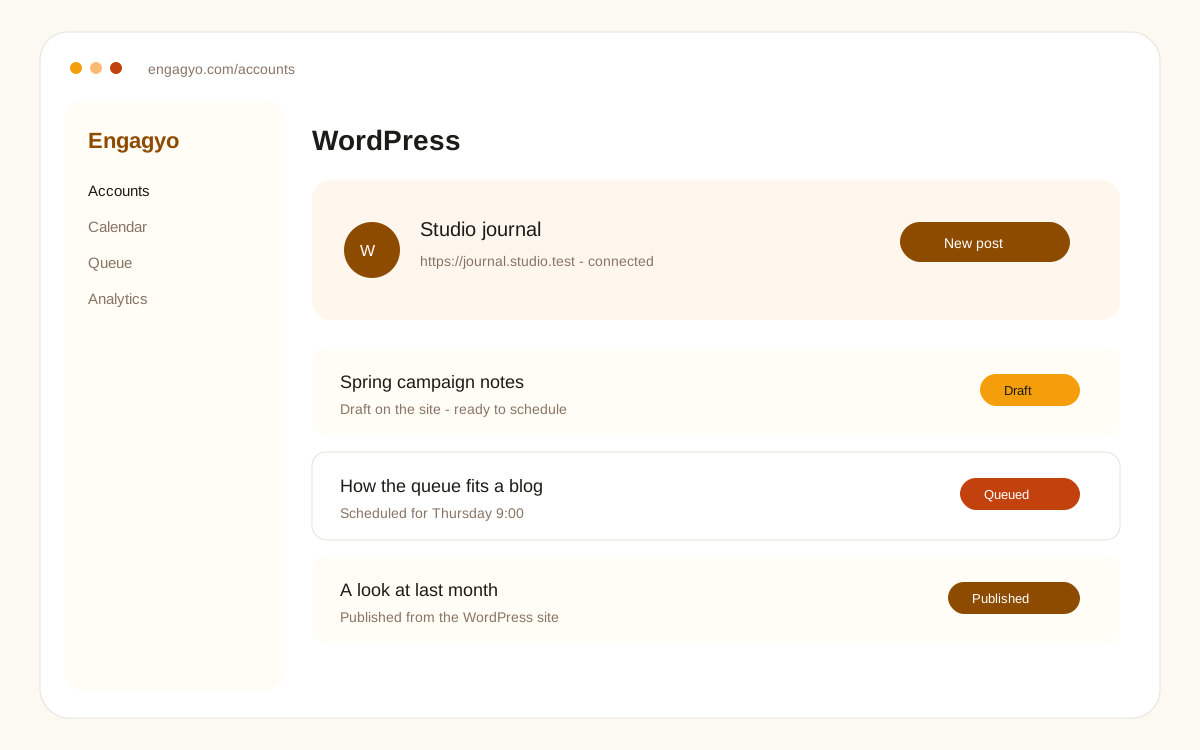
WordPress sits with the other accounts once it is connected. You sign in with the site URL, the account username or email, and an application password from the WordPress profile screen.
After it is connected
- Create or schedule a post for that site from the queue.
- Keep drafts on the site until you are ready to send them.
- See the site next to Instagram, LinkedIn, TikTok, and the rest of the accounts you already use.
Use an editor or administrator on that site. A subscriber account can sign in and still be unable to publish.